Submit Request
Getting Started
You can request production services using the EVOVA Submit Request feature.
Access Path
Left Sidebar > [Submit Request] > [Apply]
How to Use the Submission Feature
1. Log In to EVOVA Website
- Visit: https://app.evova.ai/
- If you don't have an account, please sign up and complete business registration. → Business Registration Guide
2. Click Apply
- Click the [Apply] button in the [Submit Request] menu
.png?alt=media&token=3aeb6367-2a44-4a57-ad33-cdf6d06840cd) Image 1. [EVOVA Main Page] > [Apply]
Image 1. [EVOVA Main Page] > [Apply]
- You will be redirected to the 3D Showroom Application page.
4. Fill Out the Submission Form
The 3D Showroom Application page allows you to create a new request.
.png?alt=media&token=10baedd6-0fee-4fb9-aaab-cfdc23d23710) Image 2. 3D Showroom Application Page
Image 2. 3D Showroom Application Page
Please fill in the following information:
Click the [Submit] button to complete the process.
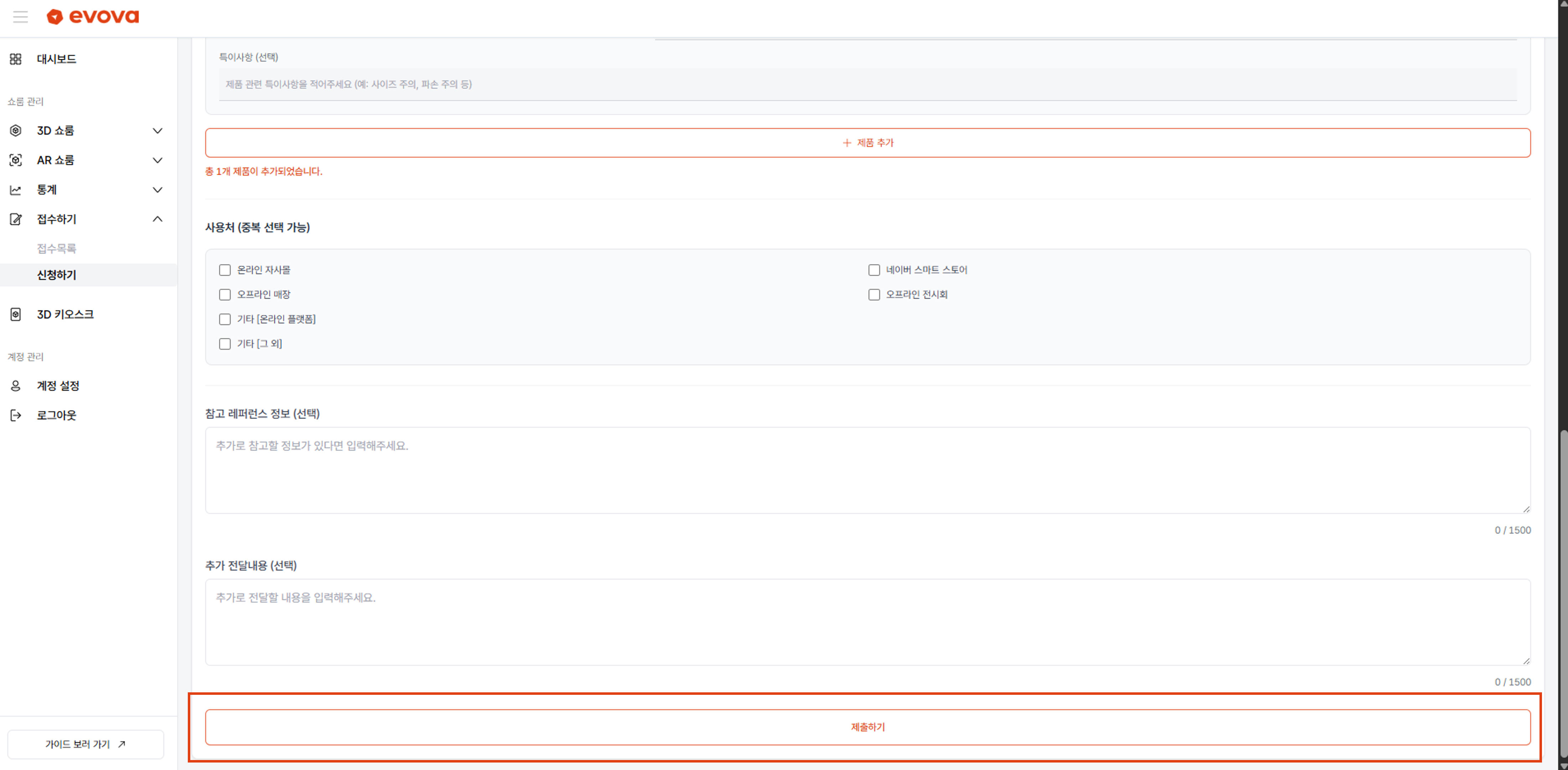 Image 6. [Submit Button]
How to Check Submission History
- Click the [Inquiry List] button in the left sidebar to view all submission history.
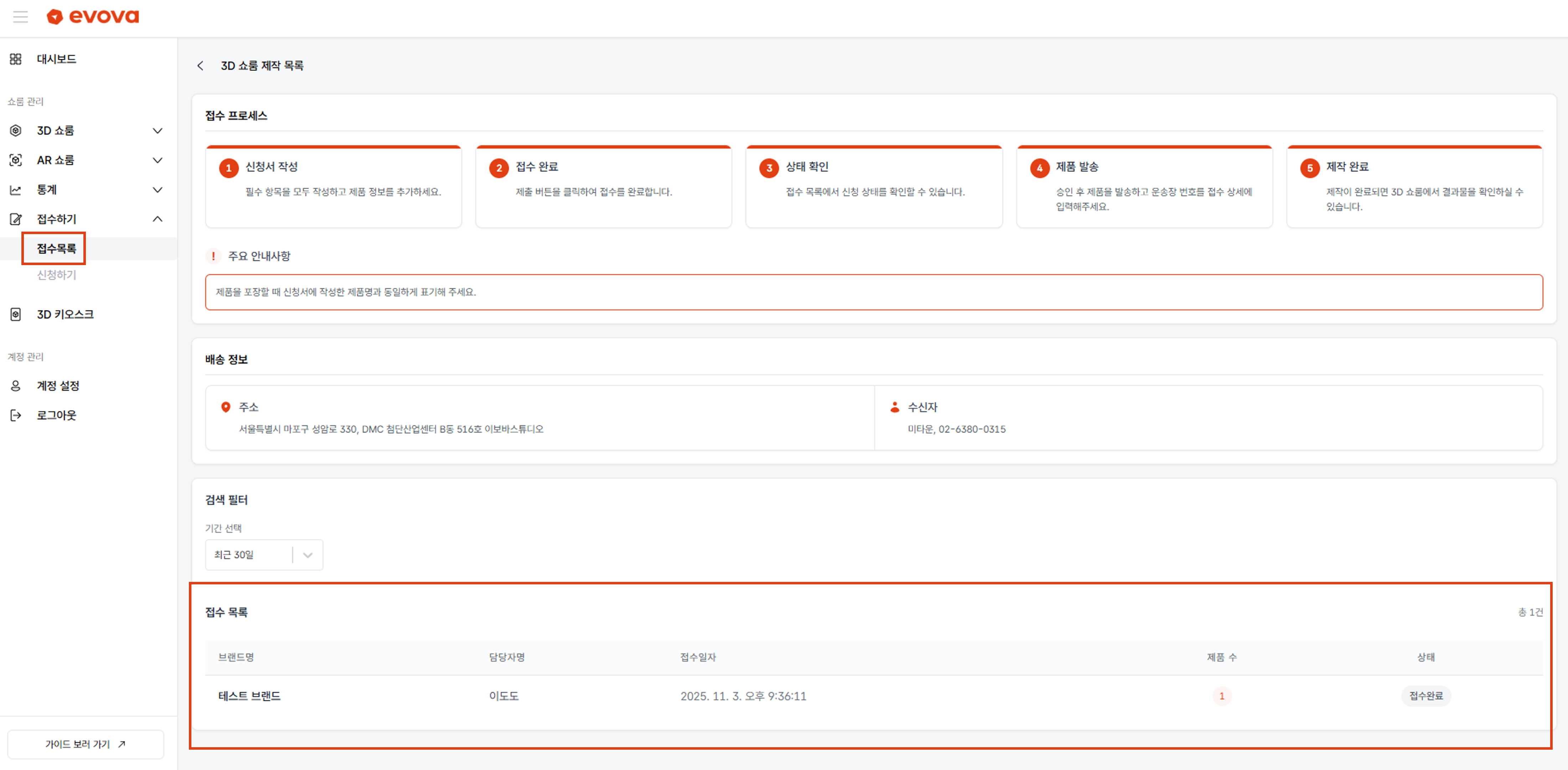 Image 7. [Inquiry List]
- You can check the submission date, number of products, and status.
Conclusion
Adding Dimension to E-Commerce
EVOVA is always here to ensure your brand experience becomes more stable and exceptional.
If you need assistance during the setup process, please feel free to contact our operations team at any time.
Contact Email: info@metown.co.kr
Contact Phone: 02-6380-0315